
| Asin | B07Y85WRL6 |
|---|---|
| Weight | 1.34 pounds |
Mixers
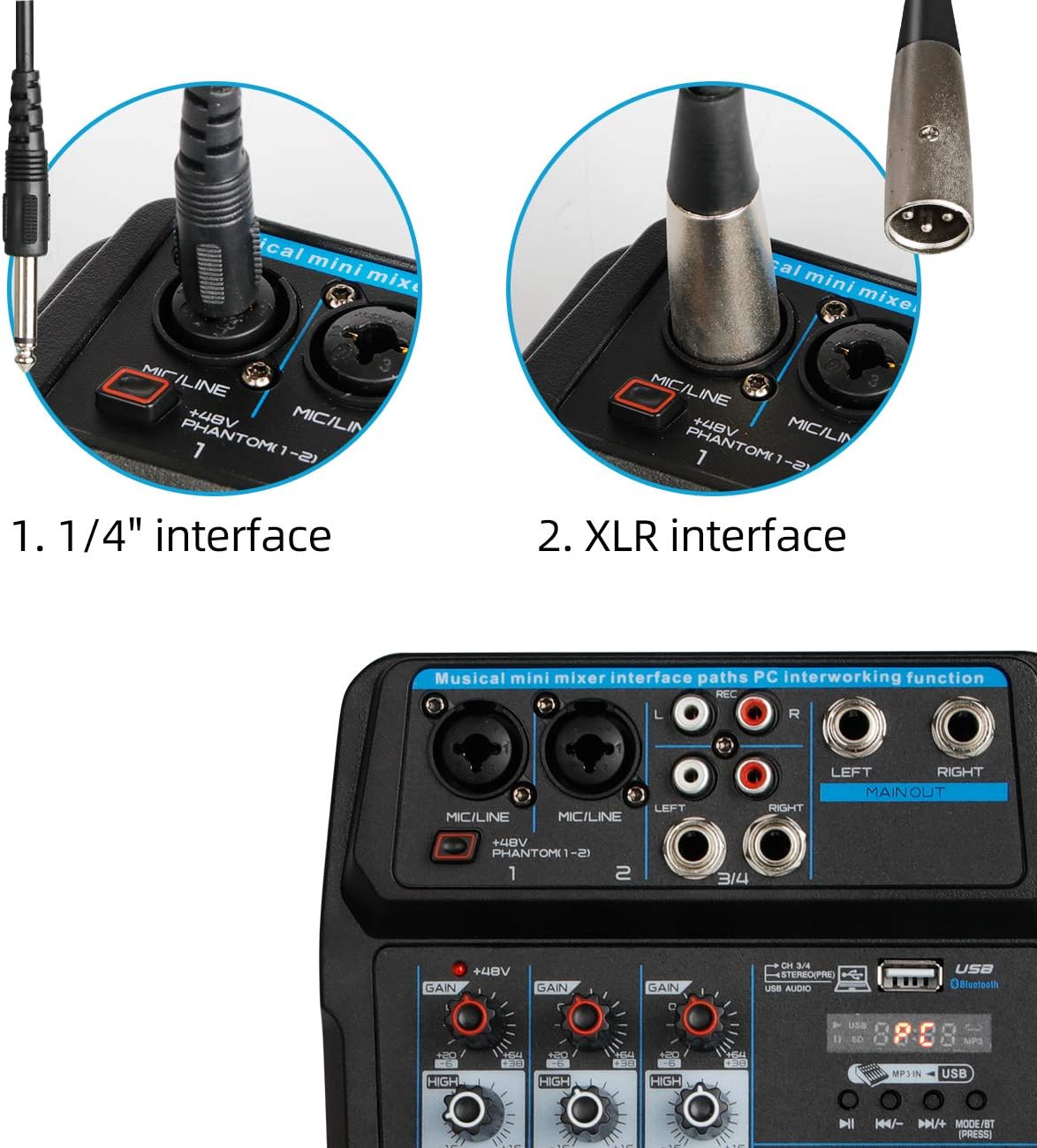
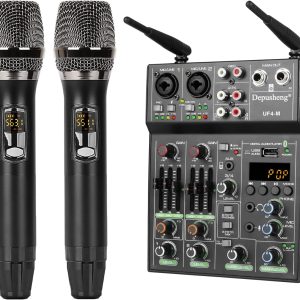
Depusheng U4 Portable Mini Mixer 4 Channel Audio DJ Console with Sound Card, USB, 48V Phantom Power for PC Recording Singing Webcast Party
$44.95
10 reviews for Depusheng U4 Portable Mini Mixer 4 Channel Audio DJ Console with Sound Card, USB, 48V Phantom Power for PC Recording Singing Webcast Party
No more offers for this product!
General Inquiries
There are no inquiries yet.
AJS –
I think this mixer has potential to be a great “on-the-go” option. However, I feel like they tried to put too much in one unit, therefore the quality is not there. It is a plastic shell and lots of cool features. Pretty easy to figure out.
My issues specifically was no sound from the “Main” outputs. Only headphones jack worked. I troubleshooted and eliminated user error pretty quickly. Not a bad little mixer, but I needed all my outputs. So had to return it. But people seem to enjoy it. Hassle free returns, 4 stars just for that.
Pre-amps worked and seemed to sound decent.
Ken –
I guess this is technically a mixer since it does combine channels but I had many issues with using it. As others have stated, the manual is useless.
I have a Zoom Dynamic mic and even at full gain and volume I could barely hear myself. The 48V condenser was better but neither were anywhere close to my existing old audio interface (Lexicon Omega). The U6 was only useable when every knob was turned to full volume.
Also, the FX was unusable because even the most minimal echo/delay setting was way overkill.
My biggest issue is that my old mixer allows for control of the inbound monitored signal ratio to the outbound signal. This unit will attach to a PC and accept an inbound signal on channel 5/6 (when the button is set to USB) but it is directly fed back outbound causing an infinite loop.
This was tested using ASIO4ALL and Jamulus. While the Omega works correctly using ASIO, this device turned out to be completely useless.
BA –
Overall this is good for my needs, a small karaoke setup. The volume and reverb work well. The echo is kinda wonky but workable . There is audible hiss when the mic gain is past the 2 o’clock position, but at this price point it exceeds my expectations. I would recommend this for those on a budget looking for a good value.
Jimmy –
This mixer was supposed to be new, but was clearly previously opened.
No instructions.
Depusheng customer serivce was pretty good. They responded to my emails the same day, when I couldn’t figure it out.
LOD was flashing, so I thought it was broken.
Turns out it is how it operates normally.
I just had to turn all 3 volume controls; the channel gain, the channel volume, and the main volume close to max before the music started playing.
This is great lesson for learning, you get what you pay for.
Ended up going with the smallest Behringer, works great.
Chuck –
For the price, I am surprised how good this thing is. Are there problems? Yes, but, I didn’t expect perfection. The sound quality isn’t great, but acceptable and does the job if you aren’t picky. The effects are awful, I mean awful! I haven’t really tried all the features but it does work with my mac without any problems. I haven’t tried a condenser mic so I can’t speak to the phantom power. However, for the most part, this is not the worst little mixer I’ve seen. It comes with an output cable and with the USB cable and a USB wall plug.
Overall, not bad.
Z. Joyce –
This mixer is great for a beginner podcaster like me. Sound is good and great that it can connect with my PC. The price is low enough to any fit budget. But I could only give 3 stars!!! There was NO instruction manual with the product. It only came with a specification sheet, only tells you what a button or dial is. But no information on operation of the mixer, such as “I can’t get any of my bluetooth devices to connect ! Not even my PC… If anyone has info on operation of this devise would be great. That is the only reason I can only give 3 stars. I would go 4 or 5 stars if not for no manual, I have seen other people posts saying the same they would give 5 stars but No Manual !
More Cowbell –
This was perfect for what I needed, but the learning curve was steep. I had a tough time getting my PC to interface sound in and out.
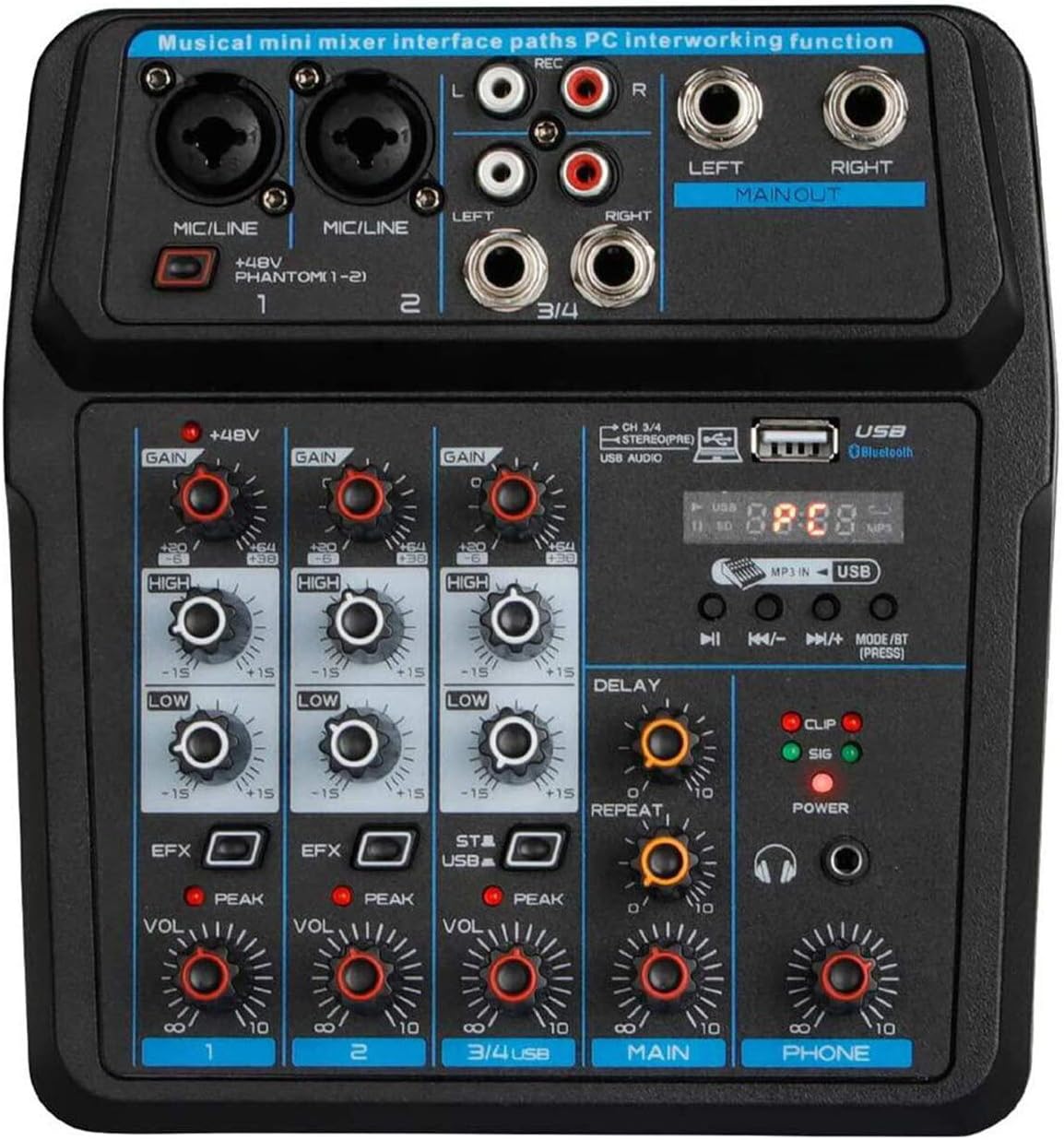
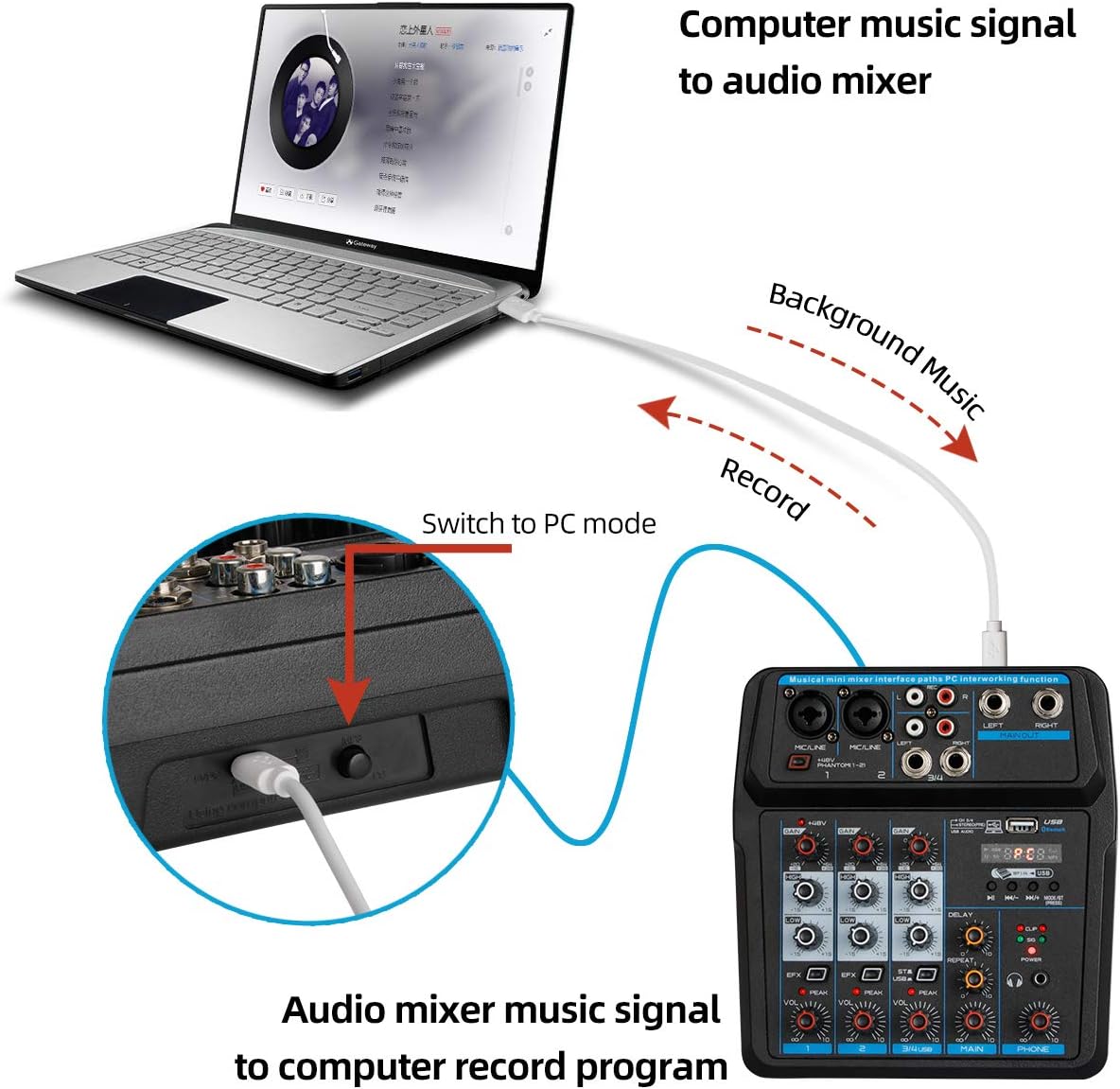
I figured it out. Plugin the USB to the mixer and the PC. Select the audio playback and recording device as “JieLi BR17”. BUT, that’s not all! There is a button on the back of the mixer that needs to be pressed and the letters PC will light on the mixer if in the correct position. WAIT!!! One more thing. On input 3/4 there is a little button above the vol. nob that reads “ST/USB” that needs to be in the correct position as well. Now, it will interface with your computer.
GCAL –
I really want to like this unit. It’s relatively simple to use (despite the lack of instructions which is kind of ridiculous). However I am experiencing some flaky behavior while using it connected to my MacBook pro. Everything is going smoothly until I hear almost like a click in the unit…then it comes back and I continue hearing sound coming through the monitor speaker I have plugged into the PHONE jack, but the audio isn’t getting recorded by the Mac anymore. The Mac is just picking up the audio through its own mic, so there is a huge difference before/after this “click”…I can’t figure out what’s causing it to kick off like this.
T. S. Negron –
I like that it arrived ahead of time. Everything so far was as they said. I intend on using it for a podcast and recording voice. I’ll be hooking it up when the rest of the gear arrives today. It will take a few days to test and work out the bugs and I’ll come back and post an up date.
READ THIS IF YOU ARE HAVING A ROUGH TIME FIGURING THIS THING OUT. The Update to end all updates!
This was perfect for what we needed, but as someone else said; “the learning curve was steep.”
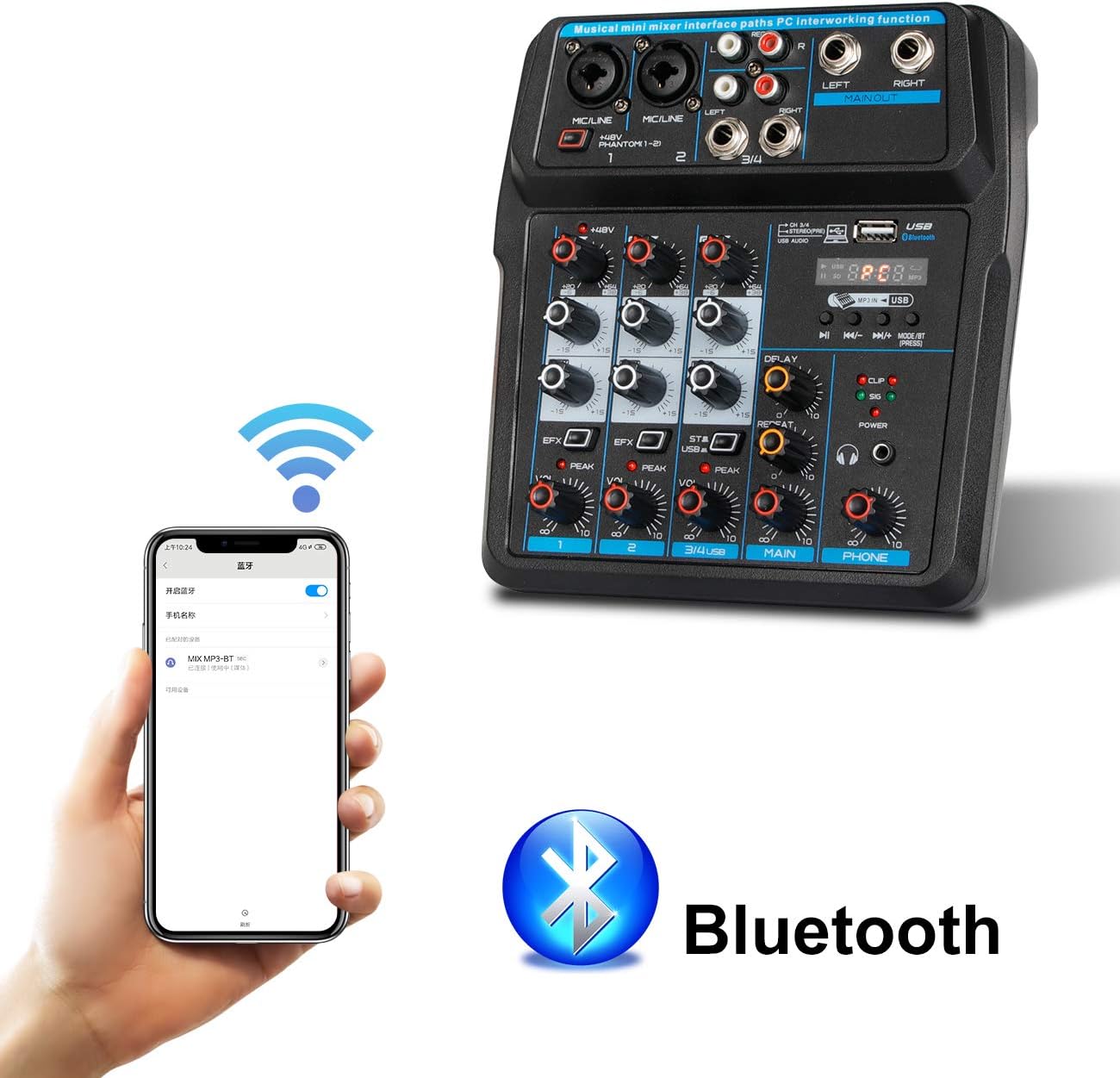
First of all, never try to use the “Blue tooth” feature while using the interface. Trust us, it will never work. We tried and did everything short of tearing it down to find and bridge the bus. We think for 25 cents worth of parts, both could be used but it is either a power issue or parts would have made it expensive? We don’t understand why someone would design an interface with a feature that cant be used with the interface. If someone knows, please write us, but but that is a whole different conversation. (We would still like to speak with the company design engineer).
Second: (lack of) a manual. The short, cryptic, written in “Chinglish” instruction booklet had my partner and I trying to contact factories and companies, learning Chinese words, all of which were still very difficult to communicate with. We finally tried to find the identity of the design engineer, because we figured a five minute conversation with him would be worth it’s weight in gold.
No luck so far. My partner being 35 years in programming A.I. and me being no slouch in breaking and fixing unbreakable “Tonka toys, and computers too” it didn’t take long for us to figure these things out.
So, bottom line:
Took us awhile to figure out all the little tricks, in’s and out’s, but after awhile it made sense in the simplest of ways.
Do yourself a favor, before you even unwrap this thing, decipher the instruction manual to get a feel for the buttons. PLUG IT IN BEFORE YOU BOOT YOUR COMPUTER. If you like, read the rest of my review before you boot up. I promise you will thank me later after avoiding 70% of the “One Star” issues people assigned to “bad device” “bad sound” etc…
Since we are using multiple computer systems interfaced, each laptop doing one main task and some minor tasks, including the laptop hooked up to the Audio interface, using two condenser mics and retaining the ability to have guests skype in on one computer and call in via cell phone, it was a hell of a few weeks testing everything for function and redundancy.
You haven’t booted yet right?
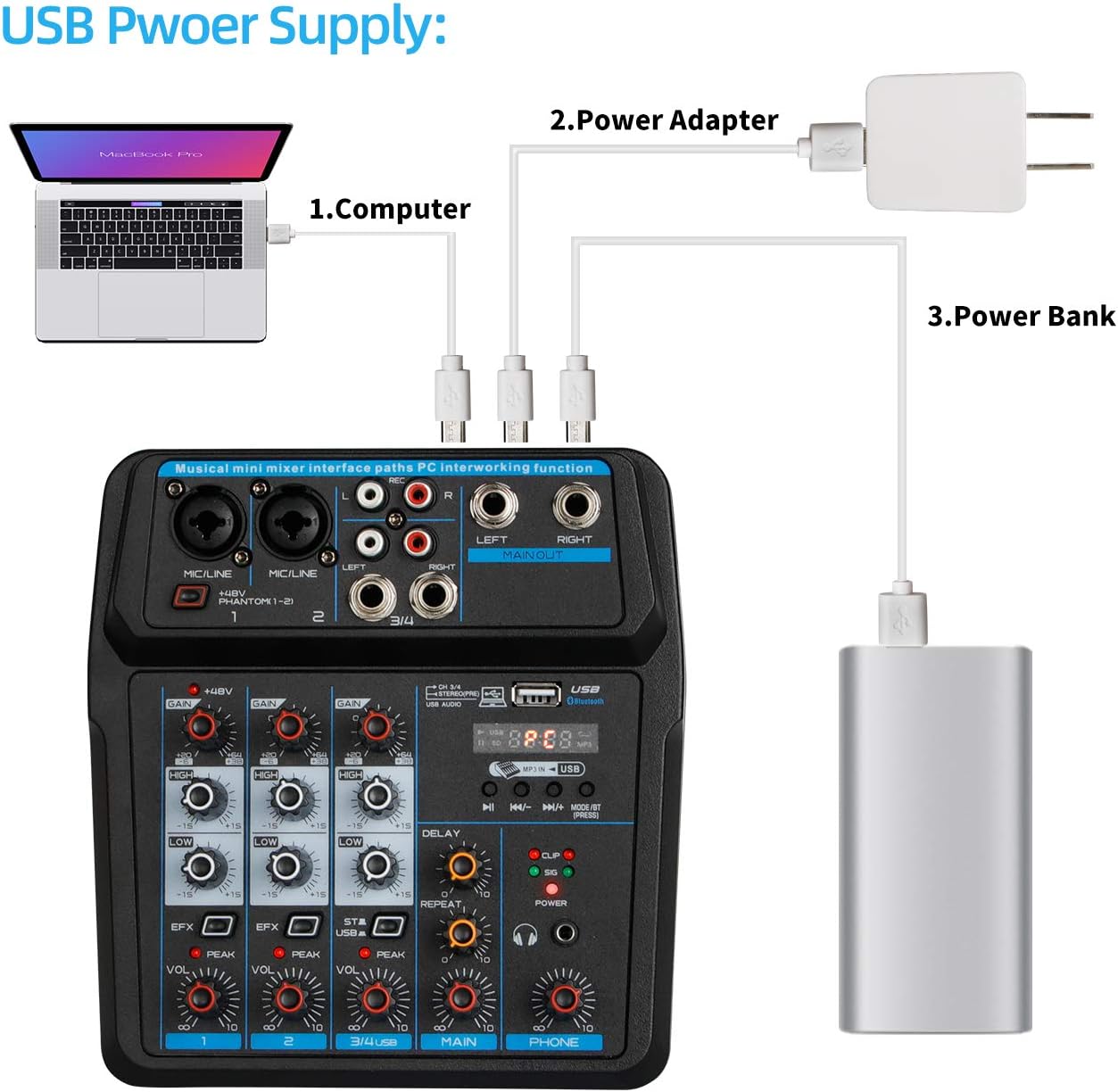
Plug the USB to P.C. and mini usb to the rear of the Audio Interface, be sure the button on the back of the mixer is depressed in the interface position. If you are podcasting like we are, I would go ahead and hook us all of your other shiii, err, stuff like mics etc. If you are using dynamic mics, its going to be very inconsistent because of the lack of power. Remember that. This is why so many people are having trouble. Use a condenser mic on phantom power and you’ll be fine with this little rig. Hook it all up ahead of time.
NOW BOOT UP your P.C.
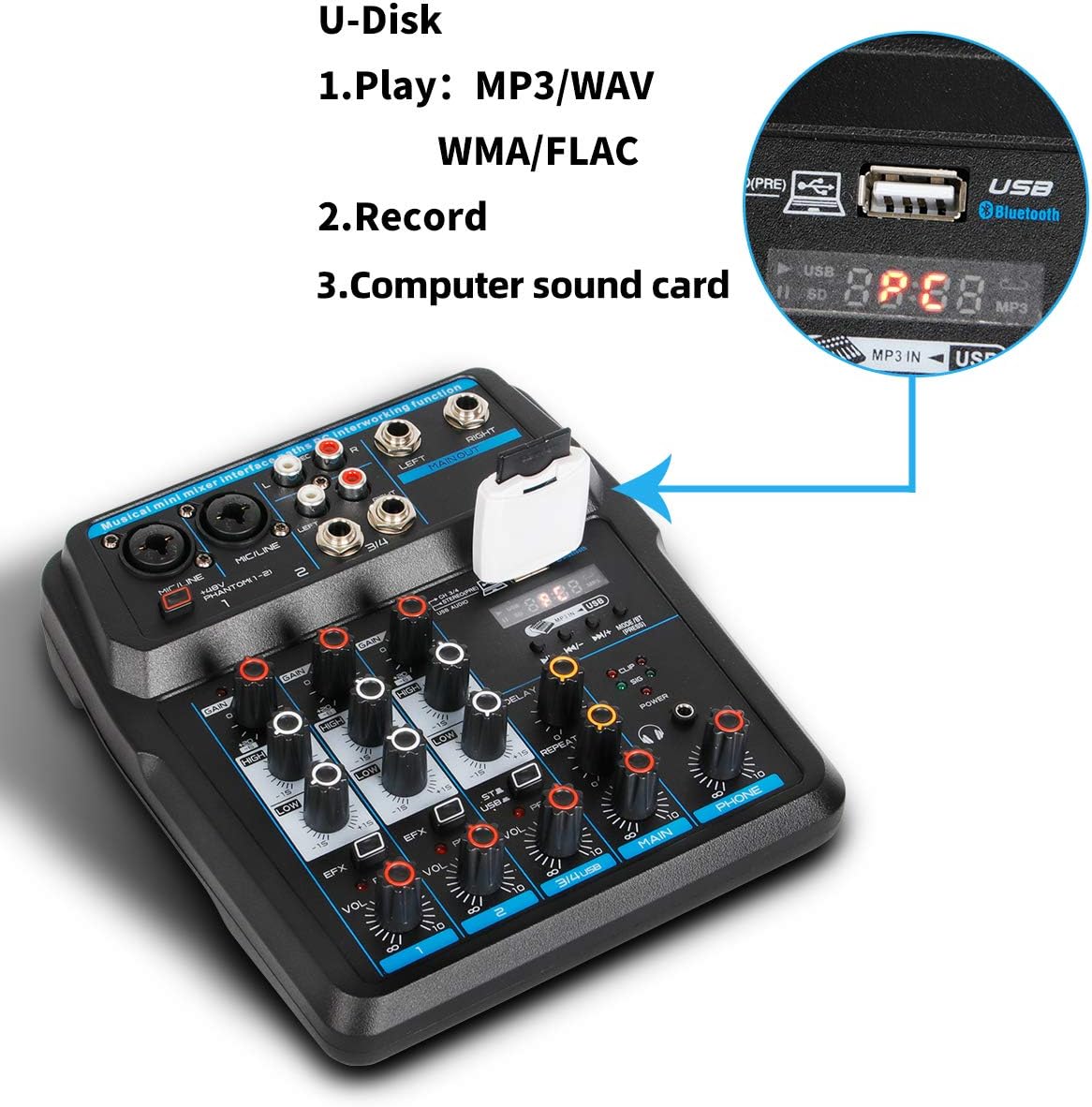
the display on the right should light up and say: “PC”, if it does you know the interfaced installed your plug and play drivers correctly or whatever voodoo it uses. If it doesn’t light up, do trip out. Check to make sure the butrtonon the back is in the right position, check the buttons on the control panel neat the MP3 USB are in the right position. You should have “PC” appearing in the display by now.
Now, Go into “settings” then “system”, and “Sound” (we are on windows 10) on your computer and just to be sure the audio playback and recording (Input) devices selected are BOTH “JieLi BR17”. If they aren’t, then select them. You don’t have to do this now, but to save pain I would disable any other microphones you have, including those on your webcams if you have them, and as you go. BUT, there’s more!!!
As you start testing your mics etc . On channel 3/4 there is a little button above the lower row of vol. knob that reads “ST/USB” that needs to be in the correct position to record as well. When you go to playback you MAY need to press the button to hear the playback.
I found this to be just about the lowest priced “four channel” mixer on Amazon and since we were on a budget to start a podcast “business”, I had to make decisions and this was one of them. After closely studying other mixers, I realized that this mixer is made by the very same company that makes others, at three to four times the cost and up. Not wanting to use our bands high dollar Yamaha 16 channel 1200 watt powered Audio mixer, we had to find something small and inexpensive.
We ended up purchasing another one just to test the quirks and because frankly I think we are gluttons for punishment and like hard puzzles.
Please respond if you have already plugged it in while the computer was running and are having problems or other questions and I’ll try to help. You can also find us on our YouTube channel at “Broadcast Depth”, and if my review helped, dont forget to give us credit for being brave enough to buy TWO of these things.
Yes, we did.
It’s either that or up our Chinese language speaking game.
Anthony bunzy –
It took my a bit to understand how to setup the mixer as there are no English instructions but has a decent sound only negative I have is how the gain has little subtly to it